Do Wireless Antennas Really Exist?
Do Wireless Antennas Really Exist?
In an age when Wi-Fi, Bluetooth, and 5G networks have become household names, the idea of a truly wireless antenna for TV sounds almost futuristic. Many cord-cutters, RV enthusiasts, and remote dwellers ask: Is it possible to watch free over-the-air TV without any coax cables at all? This post unpacks what “wireless antenna” really means, dispels common myths, and explains why conventional outdoor antennas TV are still essential for reliable reception—especially over long distances. We’ll also highlight some of the top models in each category, including the best long distance TV antenna options and how to integrate them into a “wireless” home or mobile setup.

Tools Overview: Wired, Wireless, and Hybrid Antenna Solutions
When people search for a “wireless antenna for TV,” they often assume there’s a gadget that simply plugs into the wall and uses Wi-Fi or Bluetooth to pull in local broadcast signals—no roof installation, no coax cable, nothing. In reality, most so-called “wireless” TV antenna systems are hybrids: they still require a physical antenna (often outdoors) to capture RF, then convert that RF signal into an IP stream and distribute it over your home network. Let’s break down the main categories:
1. Traditional Outdoor Antennas (Outdoor Antennas TV)
-
Description: A standard outdoor antennas TV setup consists of a high-gain antenna mounted on your roof, chimney, or a tall pole. That antenna is connected via a coaxial cable to your TV or set-top tuner box.
-
Pros:
-
Best long distance TV antenna performance in rural/suburban areas.
-
Stable, linear RF signal—minimal latency or dropouts.
-
Can pull in 50+ channels from 60–100 miles away (some ultra-high-gain models claim up to 150–200 miles).
-
-
Cons:
-
Requires physically mounting on a rooftop or pole (professional installation recommended if you’re not comfortable on a ladder).
-
Coax runs can clutter walls if you have multiple TVs—each coax run introduces some signal loss.
-
-
Popular Models:
-
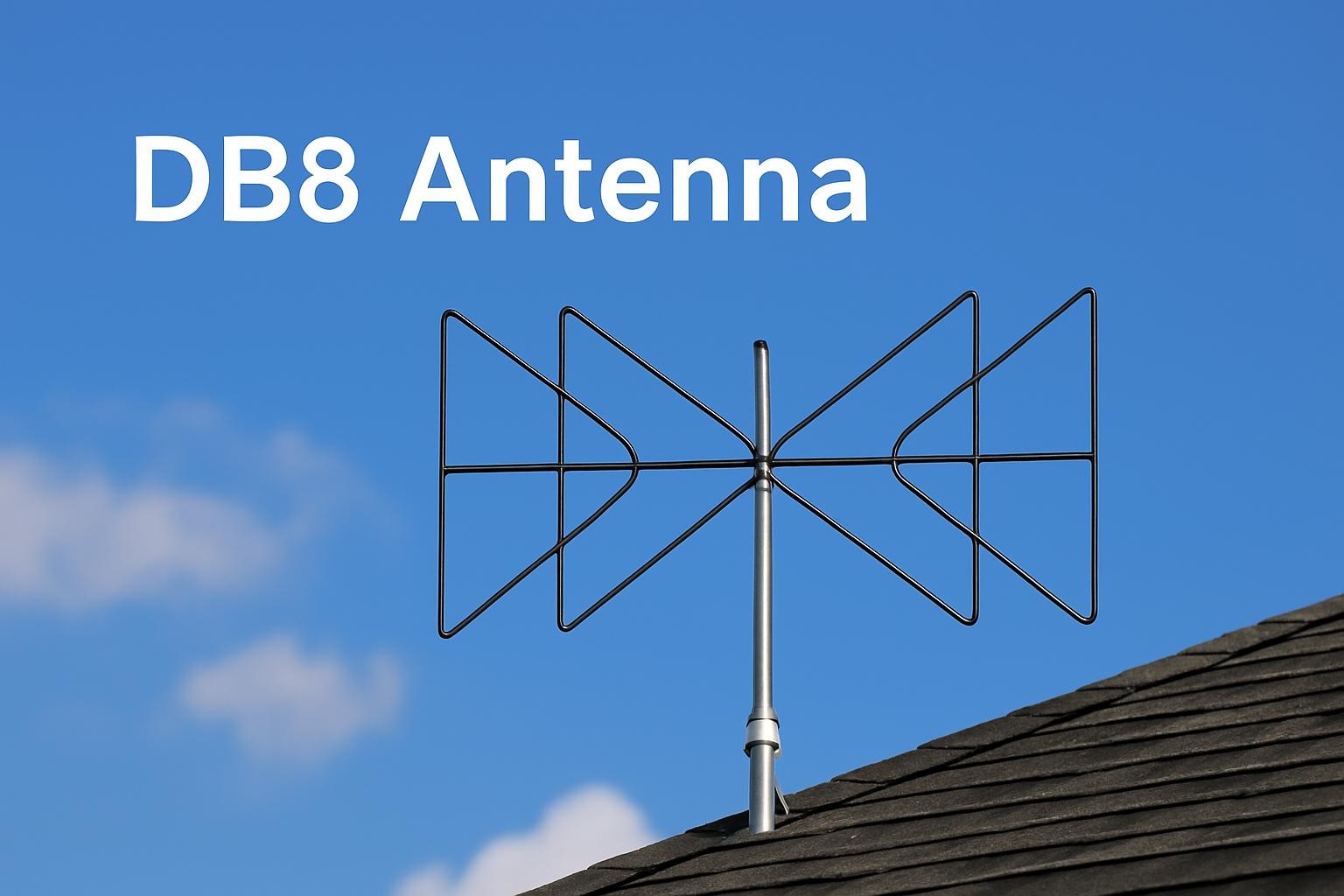
Xtreme Signal HDB8X (multi-directional, rated 80+ miles)
-
Channel Master CM-4228HD (high-gain bowtie design, rated ~75 miles)
-
Antennas Direct 91XG (16-element UHF, rated 100 miles)
-

2. Indoor Antennas & Digital Converters
-
Description: An indoor antenna uses a small panel or rabbit-ears design, plugged into a TV’s coax input.
-
Pros:
-
No ladder or rooftop work—just plug in and position near a window.
-
Affordable (often under $30).
-
-
Cons:
-
Best long distance TV antenna performance is not indoors—most receive only 20–30 miles reliably.
-
Buildings, walls, and interference degrade signals severely.
-
-
Use Case: City apartments within 10–20 miles of broadcast towers—e.g., high-rise dwellers who can place an indoor antenna near a large window facing the transmitter.
-
Technology Note: If your TV is older and lacks an integrated HD tuner, you’ll need a digital converter box (“set-top tuner”) to decode the antenna’s digital streams.

3. Wireless-Bridge Kits (RF → IP Streaming)
-
Description: These kits pair a small traditional antenna (indoors or outdoors) with a network device that converts the RF signal into an IP stream. That IP stream is then distributed over Ethernet or Wi-Fi, allowing any device on your home network (TV, PC, tablet, smartphone) to watch live broadcast channels.
-
How It Works:
-
Antenna captures RF (over-the-air) signals.
-
HDHomeRun Connect (for example) takes the coaxial input and encodes the channels into UDP multicast on your LAN.
-
Any DLNA/UPnP-capable device (or apps like Plex, VLC, HDHomeRun’s own app) can tune channels wirelessly.
-
-
Pros:
-
No need to run coax cables to multiple TVs—only a single Ethernet or Wi-Fi backhaul.
-
Supports multiple simultaneous streams (e.g., watch channel 5 on your living room TV, channel 11 on your tablet, and record channel 8 on a DVR—all at once).
-
-
Cons:
-
Still requires an outdoor antennas TV or strong indoor antenna to capture the broadcast. “Wireless” only applies to distribution, not signal acquisition.
-
Network bandwidth matters—4K/1080p OTA streams can use 5–10 Mbps each.
-
-
Popular Products:
-
Silicondust HDHomeRun Connect/Extend/Connect Duo
-
King-Avis RF over IP bridges
-
DIY solutions using a Raspberry Pi with TV tuner HAT and custom software
-
4. Near-Wireless / “Plug & Stream” Indoor Panels
-
Description: Some manufacturers advertise sleek indoor panel antennas with built-in amplifiers and Wi-Fi modules. They claim “wireless antenna for TV” because you plug them into power and they broadcast channels to your smart devices.
-
Reality Check:
-
These still require a coax connection between the panel and a small receiver box (usually hidden in a cabinet).
-
The “wireless” part refers to an internal Wi-Fi access point that streams the RF-to-IP conversion.
-
-
Pros:
-
Minimal visible cables, cleaner aesthetic for urban apartments.
-
If you only have one television and don’t mind the embedded box, it can be pretty seamless.
-
-
Cons:
-
They often cost $100 – $200, whereas a simple indoor antenna + older HDHomeRun kit could be cheaper.
-
Performance (range) is still limited by physical antenna design—only 20–40 miles outdoors equivalent.
-

Use Cases: How Different Setups Solve Real Needs
Below are three common scenarios showing how each “wireless” or hybrid approach maps to real-world requirements, especially for global users—urban dwellers, rural families, and RV travelers.
Use Case 1: Urban Apartment – Near-Wireless Convenience
Scenario:
Maria lives on the 15th floor of a downtown high-rise in Tokyo. She wants to cut her cable bill but still watch local news on her TV and occasionally on her smartphone. She has strong 4G/5G internet but no desire to climb a ladder or run coax all the way from the rooftop.
Solution:
1.Install a low-profile outdoor antennas TV panel on her balcony rail. This panel is rated for 20 miles—more than enough to reach Tokyo Broadcast Tower only a few miles away.
2.Connect the antenna via a short coax cable to a HDHomeRun Connect Duo placed inside her living room TV cabinet.
3.The HDHomeRun device converts broadcast channels into an IP stream. Maria’s smart TV accesses channels via a local network app; simultaneously, her phone/tablet via Wi-Fi can also tune and record.
4.She never runs long coax lines; everything is “wireless” from the router to devices.
Outcome:
Received 25+ HD channels (NHK, FujiTV, TBS) with no monthly fees.
Family members can watch different channels on separate devices.
Clean installation—no exposed cables all the way to the living room.

Use Case 2: Rural Farmhouse – Best Long Distance TV Antenna
Scenario:
James lives on a small farm in rural Australia, about 70 miles from the nearest broadcast tower. He wants free local news, sports, and emergency alerts, but there’s no reliable internet to support streaming.
Solution:
-
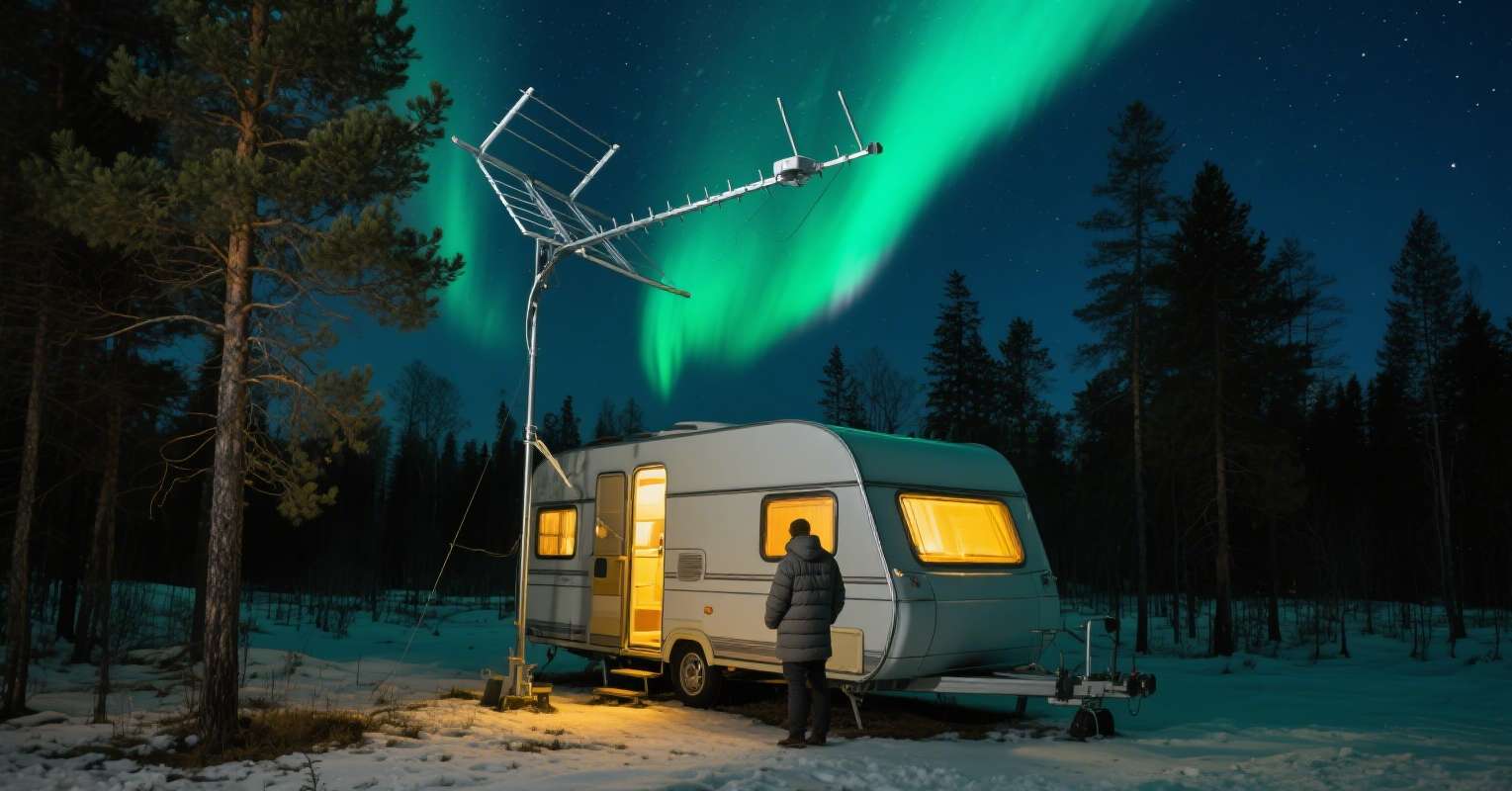
Mount a best long distance TV antenna on a 30-foot mast next to his barn. He chooses a high-gain UHF/VHF Yagi rated for 100 miles.
-
Run RG6 coax from the antenna down to his living room, into a basic digital TV tuner.
-
Since the distance is long, James also installs a low-noise pre-amplifier at the mast to boost weak signals before they travel down the coax.
-
He doesn’t need any “wireless” distribution—just a direct coax feed. His two TVs are split from the same coax using a powered splitter.
Outcome:
James consistently picks up 15–20 channels in 1080i/720p HD with minimal pixelation.
No need for satellite subscription—his equipment cost was a one-time investment (~$200 for antenna + $50 preamp + $20 splitter).
Despite heavy thunderstorms, his weatherproof outdoor antennas TV setup remains stable.

Use Case 3: RV Traveler – Antenna TV for RV
Scenario:
Emma and Luis are traveling across Europe in their camper van, spending nights in various campgrounds, forests, and near small villages. They want to catch live UEFA matches and evening news whenever possible without paying for satellite TV.
Solution:
-
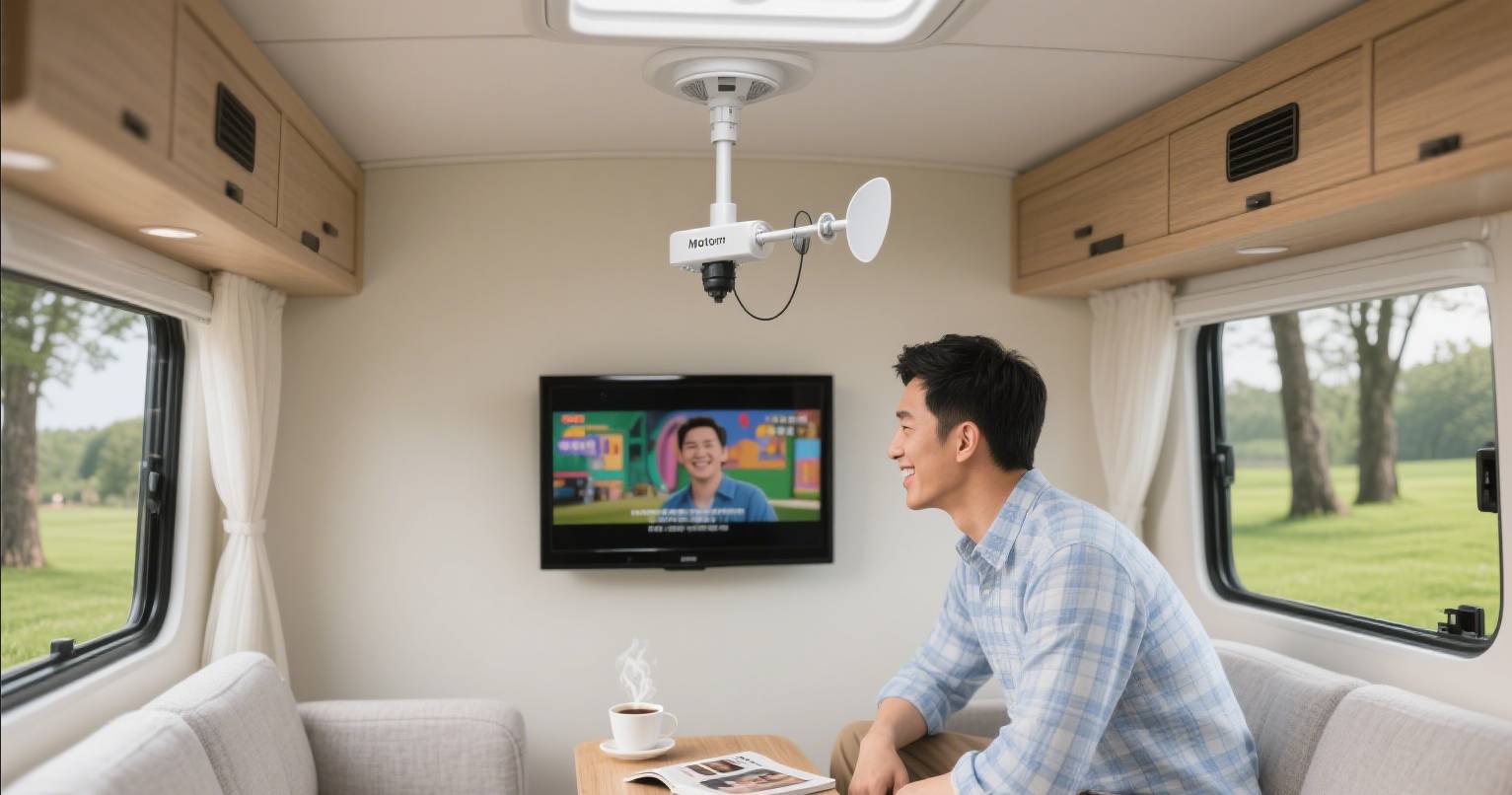
On their camper’s roof, they install a compact rv camper TV antenna—an omnidirectional model with an internal 4G/LTE filter.
-
Whenever they park, they power on the antenna’s amplifier and use the built-in automatic tuner to scan nearby broadcast signals. The antenna doesn’t need to point in a specific direction because it picks up signals 360°.
-
They connect the antenna directly to their TV/digital satellite receiver inside the camper. For times when they want to watch on a tablet, they use a small “RF → HDMI” streamer (powered via a portable router) to convert one TV output into an IP stream.
-
If they have campsite Wi-Fi, they can even remotely access that stream from a phone.
Outcome:
Emma and Luis catch local football, news, and weather from France, Germany, and Italy as they drive—sometimes picking up 5–7 channels in each region.
In very remote Alpine spots, they park near a higher elevation landmark to get a stronger signal.
Their rv camper TV antenna stays sturdy on the roof despite highway speeds and gusty winds.

Conclusion: The Reality Behind “Wireless” TV Antennas
So, do wireless antennas exist? The short answer is: Not in the sense of a gadget you plug in and magically pull down TV channels through the air alone. Even solutions marketed as “wireless” still rely on a physical antenna (indoor or outdoor) to capture RF. The “wireless” portion typically refers to redistributing the captured TV signal over your home network—meaning you can watch channels on multiple devices without extra coax cables.
-
If you live far from towers, you still need a true outdoor antennas TV (a high-gain or best long distance TV antenna) mounted at height.
-
If you want cable-free distribution, combine that outdoor antenna with a “RF→IP” device like an HDHomeRun. This way, you’ll call it a “wireless antenna for TV” system, but the antenna itself is hardwired.
-
If you’re in an RV, choose a purpose-built rv camper TV antenna that can automatically tune and amplify signals with minimal setup.
In short, the purest “wireless antenna” is a hybrid approach:
-
Antenna (wired) → 2. RF→IP conversion → 3. Wi-Fi/Ethernet distribution → 4. Device playback
By understanding these categories, you can choose the right mix for your home or mobile lifestyle and finally enjoy free over-the-air TV—no monthly fees, no satellite dish, and minimal visible wiring.
From the Experts: SHEN ZHEN QIYUNTONG ELECTRONIC TECHNOLOGY CO., LTD.
At SHEN ZHEN QIYUNTONG ELECTRONIC TECHNOLOGY CO., LTD., we provide global clients with cutting-edge hardware solutions, including long-range TV antennas for homes, RVs, and off-grid installations.
With over 20 years of manufacturing expertise, we offer:
-
OEM/ODM services
-
Customizable antenna components
-
Rugged and weatherproof materials
-
Reliable logistics to Europe, North America, and Asia-Pacific
Contact us today to source durable, high-performance TV antennas at competitive prices.

FAQ
Q1: Can I truly go “cable-free” with an antenna TV setup?
A: Only partly. You still need a wire (coax) between the antenna and the RF tuner (in your home or RV). Once the RF tuner converts channels into an IP stream, you can distribute those channels wirelessly to smart devices over Wi-Fi. But the capture mechanism always involves a physical antenna and a short run of coax.
Q2: What is the best long distance TV antenna for remote areas?
A: Look for a high-gain, multi-element directional antenna rated for 100+ miles, rugged weatherproof design, and low-noise preamplifier. Examples include:
-
Channel Master CM-4228HD (approx. 75 miles, 15 dB gain)
-
Xtreme Signal HDB8X (80+ miles, omni/directional combo)
-
Antennas Direct 91XG (100 miles, 16-element UHF bowtie)
Install it on a tall mast or rooftop with a clear line of sight to the broadcast tower for optimal performance.
Q3: What counts as an outdoor antennas TV advantage over indoor models?
A:
-
Range: Outdoor units can reach up to 100–150 miles in ideal conditions; indoor panels rarely exceed 20–30 miles.
-
Signal Stability: Outdoors, there is less obstruction (walls/metal), so multipath interference and dropout are reduced.
-
Channel Count: You’ll typically pull in 30+ channels in HD with an outdoor antenna, versus 5–10 with most indoor models.
Q4: How does an rv camper TV antenna differ from a home outdoor antenna?
A:
-
Mobility: RV antennas are designed to handle wind, vibration, and changing elevations. They often have built-in amplifiers and automatic tuning (some even use GPS).
-
Size/Weight: They are more compact, with lower profiles to fit on roofs without clearance issues.
-
Multi-Direction vs. Directional: Many RV units are omni-directional so you don’t have to manually re-aim when you change campsites. However, directional RV antennas are also available for very weak-signal areas.
Q5: Do I need a signal amplifier with my outdoor antenna?
A:
-
If you’re more than 30 miles from the nearest tower, a low-noise amplifier (LNA) at the mast is strongly recommended. It boosts weak signals before they travel down the coax, compensating for cable loss.
-
If you split the antenna to feed multiple TVs, you likely need a distribution amplifier to ensure each TV gets sufficient signal.
Can I Use My Satellite Dish as a TV Antenna?
What is the Farthest Reaching TV Antenna
Related Article