Why Won not My Digital Antenna Pick Up Channels -And What You Can Do About It
Introduction: Understanding the Promise of Free Digital TV
Digital antennas offer a cost-effective alternative to cable or streaming subscriptions, giving users access to major broadcast channels like ABC, NBC, CBS, FOX, PBS, and more—often in crystal-clear HD. However, many users encounter a frustrating issue: they set up a digital antenna, expecting to receive a wide variety of local channels, but find only a few—if any—are available. If you’re asking, “What channels can I get with a digital antenna—and why am I not getting them?” you’re not alone.
In this guide, we’ll explore the most common reasons your digital antenna isn’t picking up channels and what you can do to fix the issue. We’ll also recommend top-tier solutions from trusted manufacturers, so you can enjoy consistent and high-quality reception, even in challenging environments.
What Channels Can You Expect to Get with a Digital Antenna?
Before diving into troubleshooting, let’s clarify what a digital antenna can realistically offer. A quality antenna, properly installed, can receive free-to-air broadcast channels available in your area. These usually include:
-
Major networks: ABC, NBC, FOX, CBS, PBS
-
Independent and local stations
-
Multicast digital subchannels (e.g., MeTV, Bounce, Ion, Comet)
But what channels you can get depends heavily on your location and the strength of nearby broadcast signals. To check this, use authoritative tools like:
FCC DTV Reception Maps
AntennaWeb
These platforms allow you to input your ZIP code and identify which stations are within reach. If you live in a rural or mountainous region, your channel list might be more limited—but with the right antenna, you can still get great results.
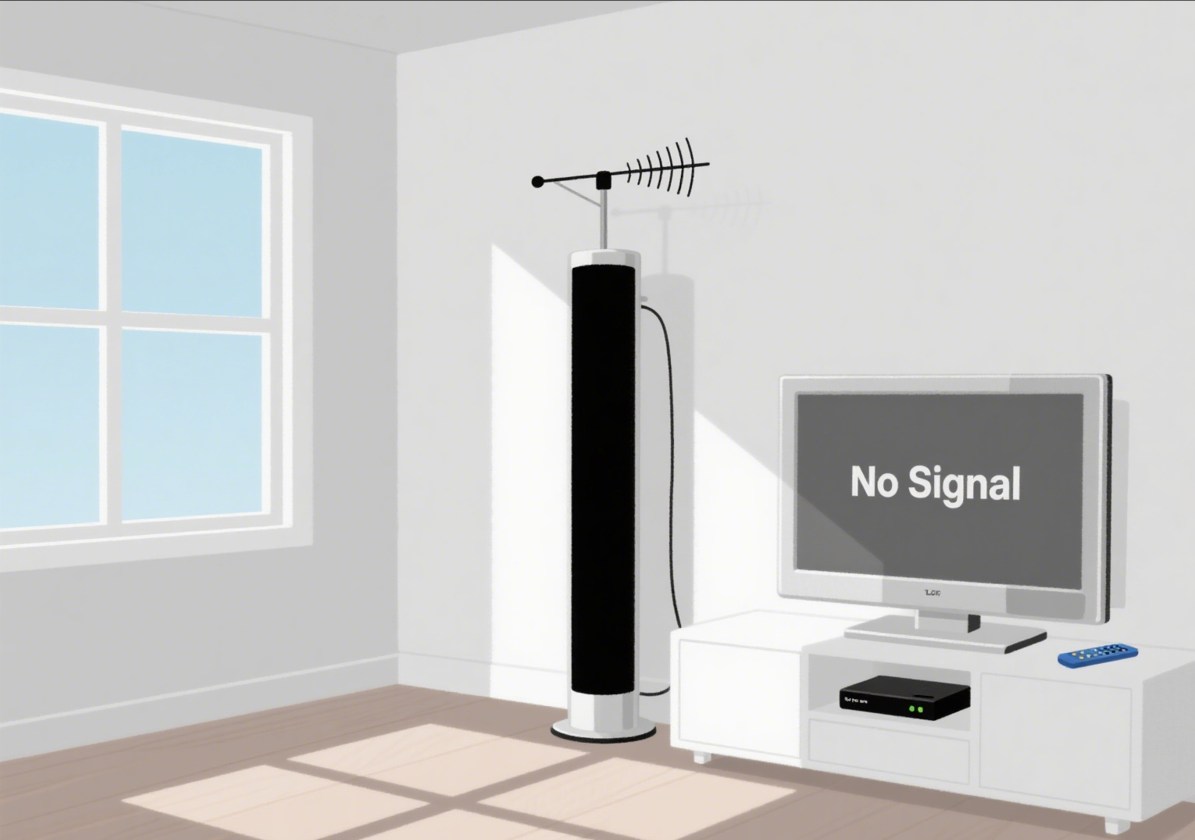
Why Your Digital Antenna Isn’t Receiving Channels
1. Improper Positioning or Obstructions
Digital antennas require a clear line of sight to transmission towers. Physical barriers like walls, trees, and buildings can block or distort signals, especially if your antenna is indoors or in an attic.
2. Wrong Antenna Type
Using an indoor antenna in a weak-signal area will likely fail. Instead, consider a long-range outdoor antenna for better reception. UHF-only antennas may miss out on VHF stations unless designed for both bands.
3. Signal Interference
Nearby electronics, metal roofing, and even weather conditions can cause interference. Check if any nearby equipment could be disrupting the signal.
4. Outdated Equipment or Cables
Old or damaged coaxial cables, faulty splitters, or outdated tuners can significantly reduce performance. Ensure your hardware is up to modern standards, preferably using RG6 coax.
5. No Signal Amplification
In fringe areas or setups with long cable runs, you’ll need a signal amplifier or booster. Otherwise, the signal may degrade before reaching your TV.
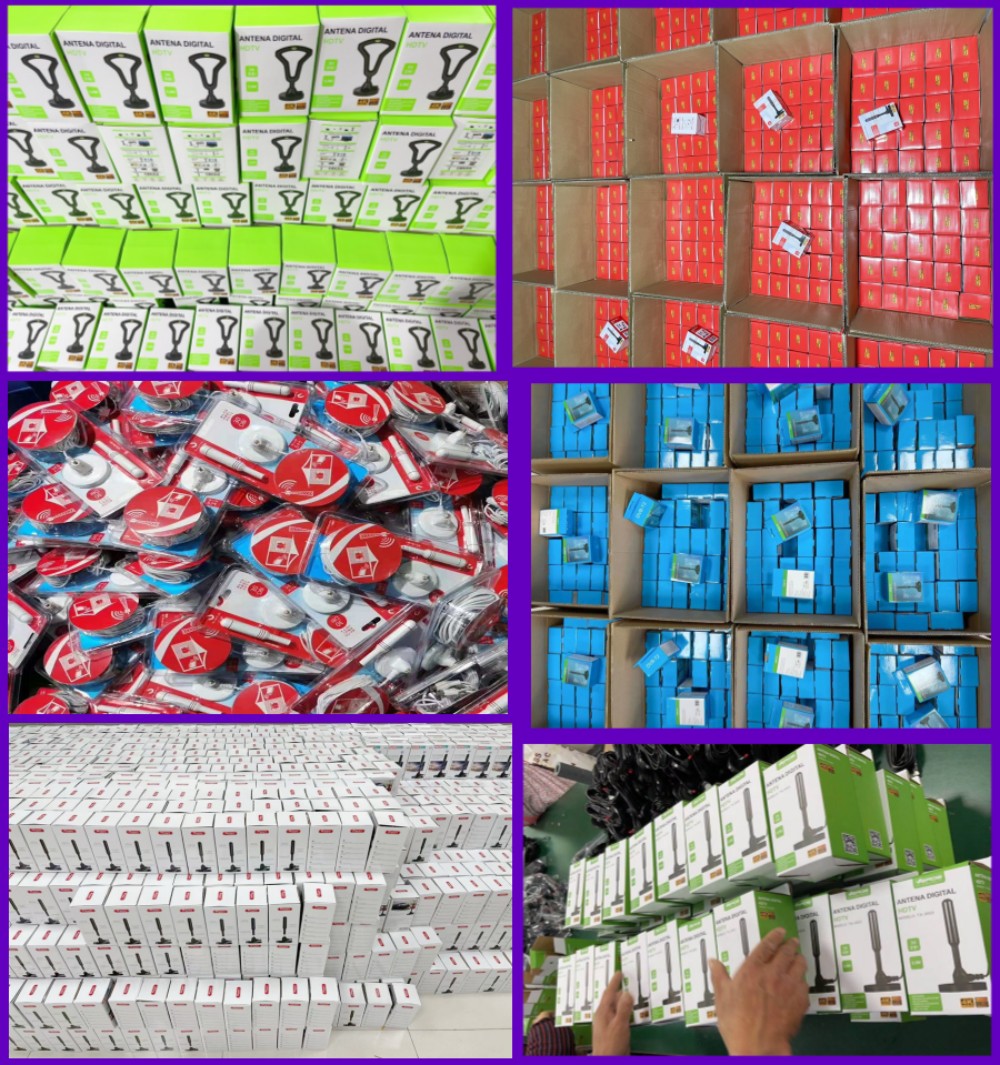
Recommended Solutions by SHEN ZHEN QIYUNTONG ELECTRONIC TECHNOLOGY CO., LTD.
As a leading manufacturer of TV reception solutions, SHEN ZHEN QIYUNTONG ELECTRONIC TECHNOLOGY CO., LTD. has over 20 years of experience developing high-performance antennas and amplifiers tailored to global markets. Our products are exported to Europe, North America, Japan, and Southeast Asia, trusted by households, RV users, and distributors worldwide.
Our Top Solutions for Better Channel Reception:
-
Multi-Directional Digital Antennas: Capable of capturing signals from multiple directions without repositioning, ideal for urban and suburban homes.
-
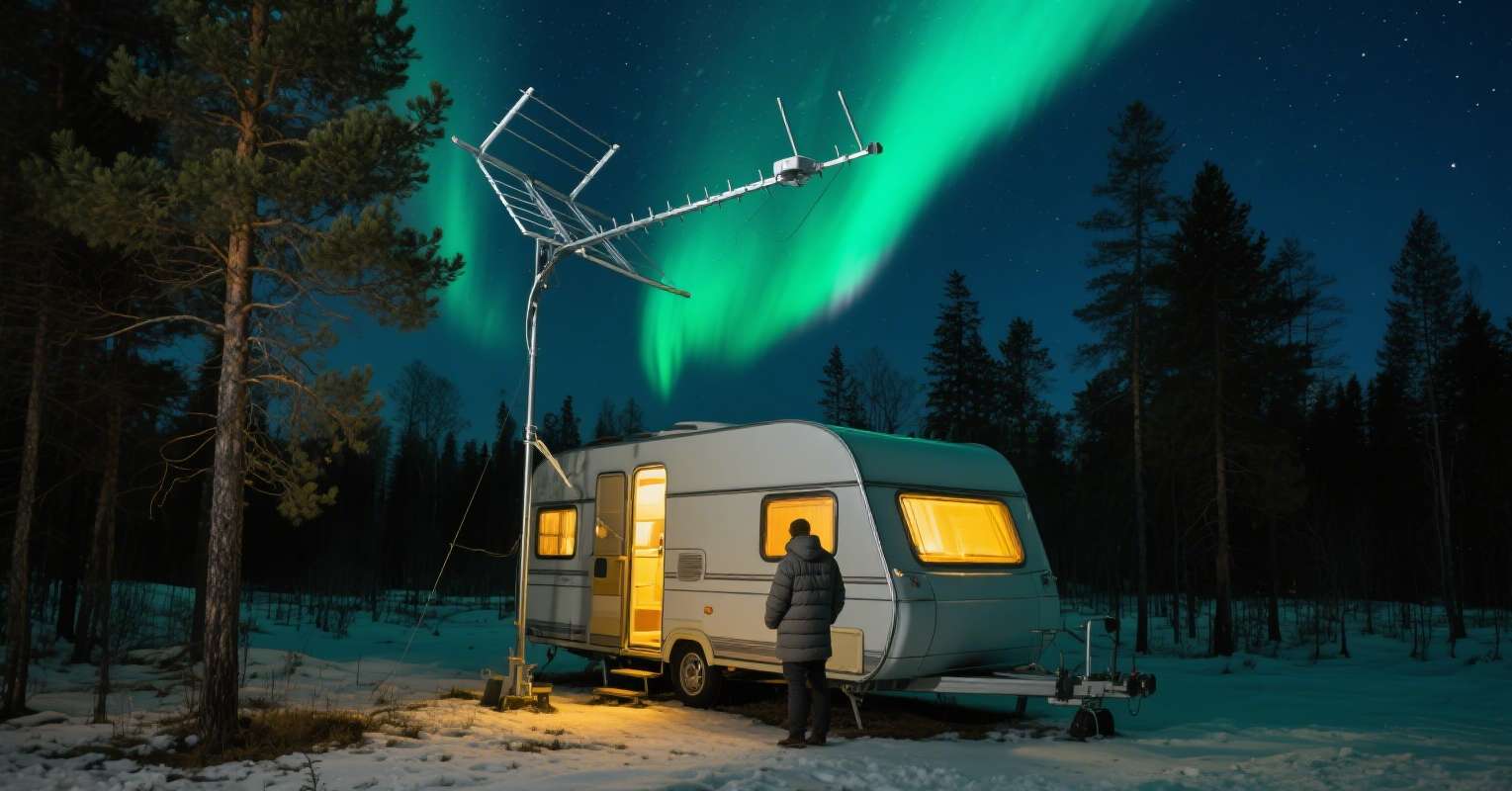
Long-Range Outdoor Antennas: Engineered to pick up VHF/UHF signals from up to 150 miles away, with waterproof and anti-rust construction for all-weather use.
-
Amplified Indoor Models: Best for apartments or indoor environments with weak signal coverage.
-
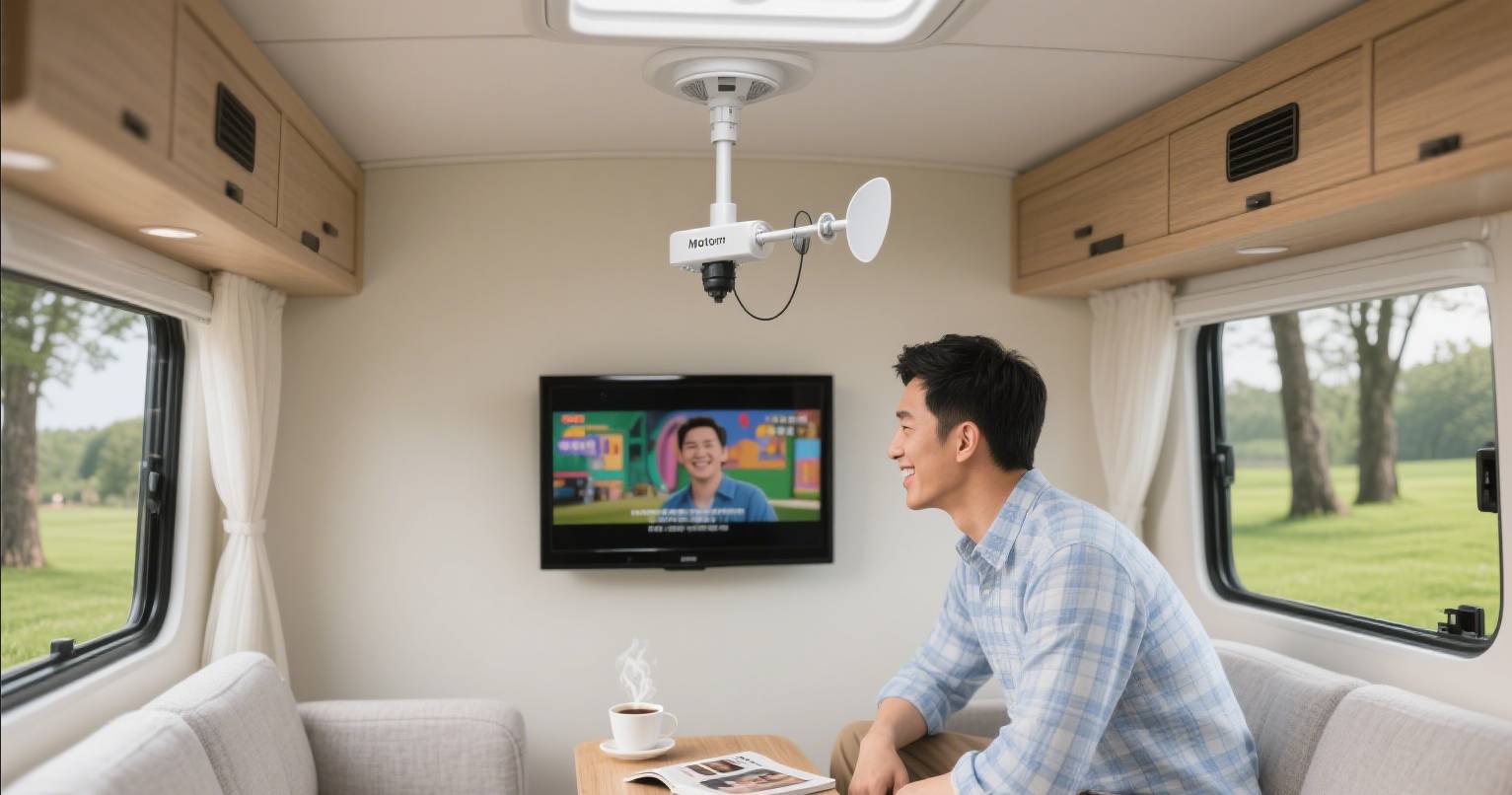
RV-Compatible Digital Antennas: Designed for mobility without compromising signal strength or resolution.
Every model is rigorously tested for durability, signal performance, and HDTV compatibility. Our antennas work seamlessly with modern TVs, DVRs, and streaming devices like Fire TV.
Custom OEM/ODM options available for distributors and wholesalers.
Contact us at www.szqiyuntong.com for quotes and partnership opportunities.
How to Fix and Optimize Your Digital Antenna Setup
If your antenna isn’t picking up channels, take these steps to improve your reception:
1. Reposition and Elevate
Try mounting your antenna on the roof, near a window, or in the attic at the highest point possible. Avoid locations behind metal barriers or heavy insulation.
2. Use an Amplifier or Booster
Install a signal amplifier, especially if your cable run exceeds 50 feet. Choose a model with gain control to avoid overloading the tuner.
3. Scan for Channels Correctly
Always perform a full channel scan after installing or adjusting the antenna. Some TVs require a factory reset to clear old data.
4. Upgrade Hardware
Replace old coaxial cables with RG6 and ensure connectors are weatherproof and rust-free. Consider installing a surge protector for outdoor antennas.
5. Weather Considerations
Storms and seasonal foliage can affect reception. Re-scan your channels periodically and inspect the antenna after severe weather events.
With the right setup and equipment, you can enjoy dozens of local and national channels—often in better HD quality than cable.
FAQ: Common Questions About Digital Antennas and Channel Reception
Q1: Why am I only getting a few channels?
A: You may be in a low-signal area or using the wrong antenna. Try an outdoor long-range model or check your scan settings.
Q2: Do I need internet to use a digital antenna?
A: No. Digital antennas receive over-the-air broadcast signals, independent of your internet connection.
Q3: Can I use a splitter for multiple TVs?
A: Yes, but you may need an amplifier to prevent signal loss across connections.
Q4: What channels can I get with a digital antenna?
A: It depends on your location. Use FCC’s DTV Reception Map or AntennaWeb to find accurate results for your area.
Q5: Can I use a digital antenna with a Fire TV or Roku?
A: Yes. You can connect your antenna to a TV with those devices, then access free live TV via the tuner input.
Final Thoughts
A digital antenna is one of the smartest investments for free, high-definition television. If yours isn’t working as expected, it’s likely a matter of setup, placement, or hardware—not the technology itself. By understanding what channels you can get with a digital antenna and choosing professional-grade equipment from trusted providers like SHEN ZHEN QIYUNTONG ELECTRONIC TECHNOLOGY CO., LTD., you can unlock the full value of free-to-air broadcast TV.
Want to maximize your reception? Visit www.szqiyuntong.com for premium digital antennas built for every environment.
Camping with Comfort-Why Every Camper Needs a Digital TV Antenna
How Digital Antenna VHF Technology Delivers Extended Coverage and Stunning Clarity
Related Article