Can a Digital TV Aerial Booster Fix Pixelated or Missing Channels
Is Your Digital TV Picture Breaking Up? Here’s Why That Happens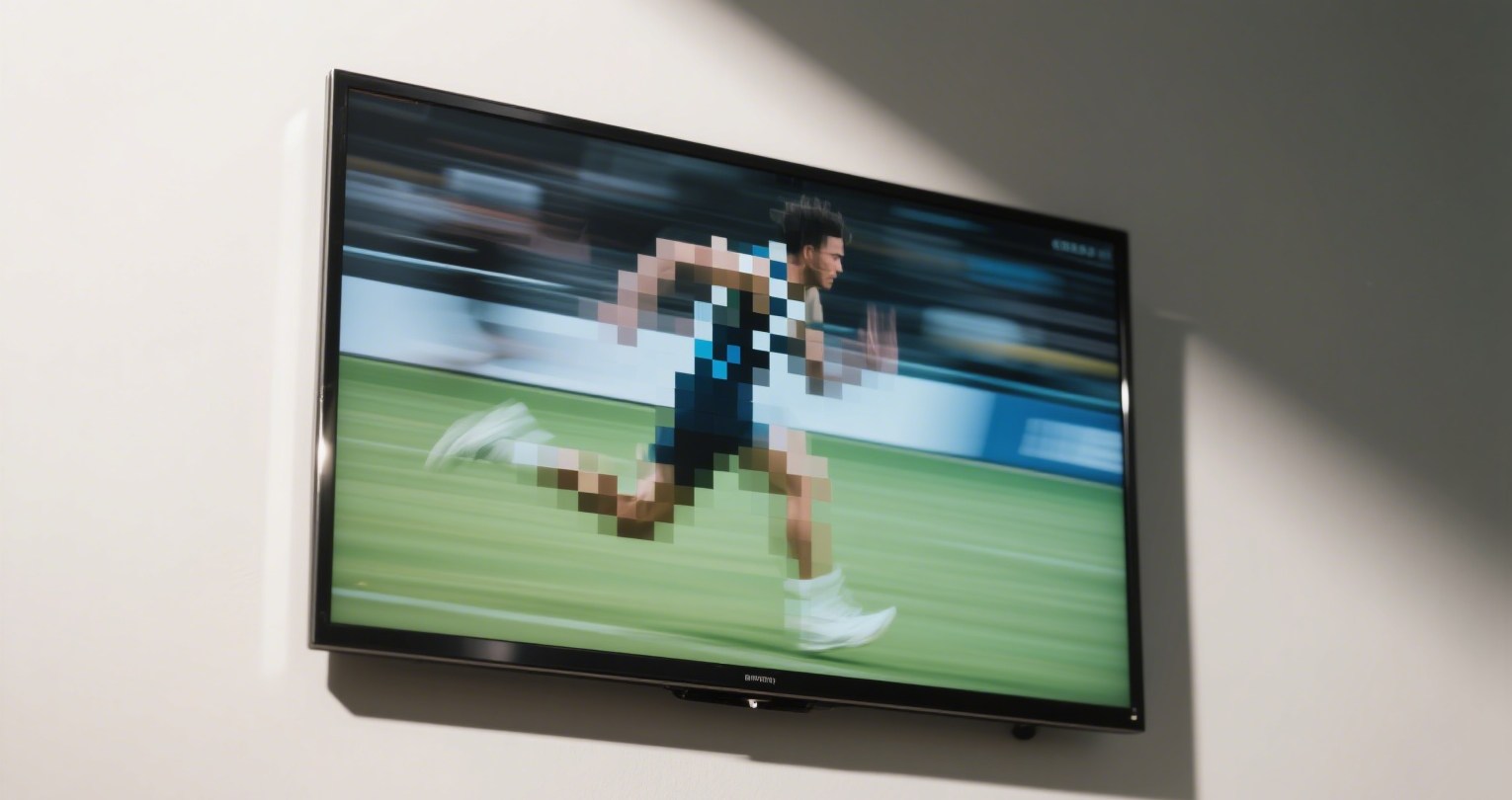
You're sitting down for your favorite show, and suddenly—the image stutters, freezes, or disappears entirely. If you've recently experienced pixelated images, choppy audio, or entire channels missing from your digital TV lineup, you're not alone. These issues are increasingly common in both urban and rural areas, especially for homes relying on over-the-air (OTA) reception.
But what causes these annoying interruptions? And more importantly—can a digital TV aerial booster really fix the problem? In this article, we’ll explore what these boosters do, when they help (and when they don’t), and how you can maximize your antenna’s performance without resorting to expensive subscriptions.
Do Digital TV Signal Boosters Actually Work?
Let’s start by clarifying the function of a digital TV aerial booster. Contrary to popular belief, boosters don’t create a signal—they enhance the strength of weak signals already being received by your antenna. Essentially, they reduce signal loss caused by long cable runs, splitters, or obstacles like walls and trees.
According to the FCC and Ofcom, digital TV signals can degrade due to:
-
Terrain obstructions (mountains, buildings)
-
Long cable lengths
-
Interference from household electronics
-
Weather-related signal attenuation
A booster—also known as an amplifier—amplifies the weak incoming signal before it degrades, helping preserve channel clarity. However, if you're in a location with zero signal or severe interference, a booster won’t solve the issue. It’s essential to first assess whether you're in a weak signal zone (edge of tower range), rather than a dead zone where even the strongest booster won’t help.
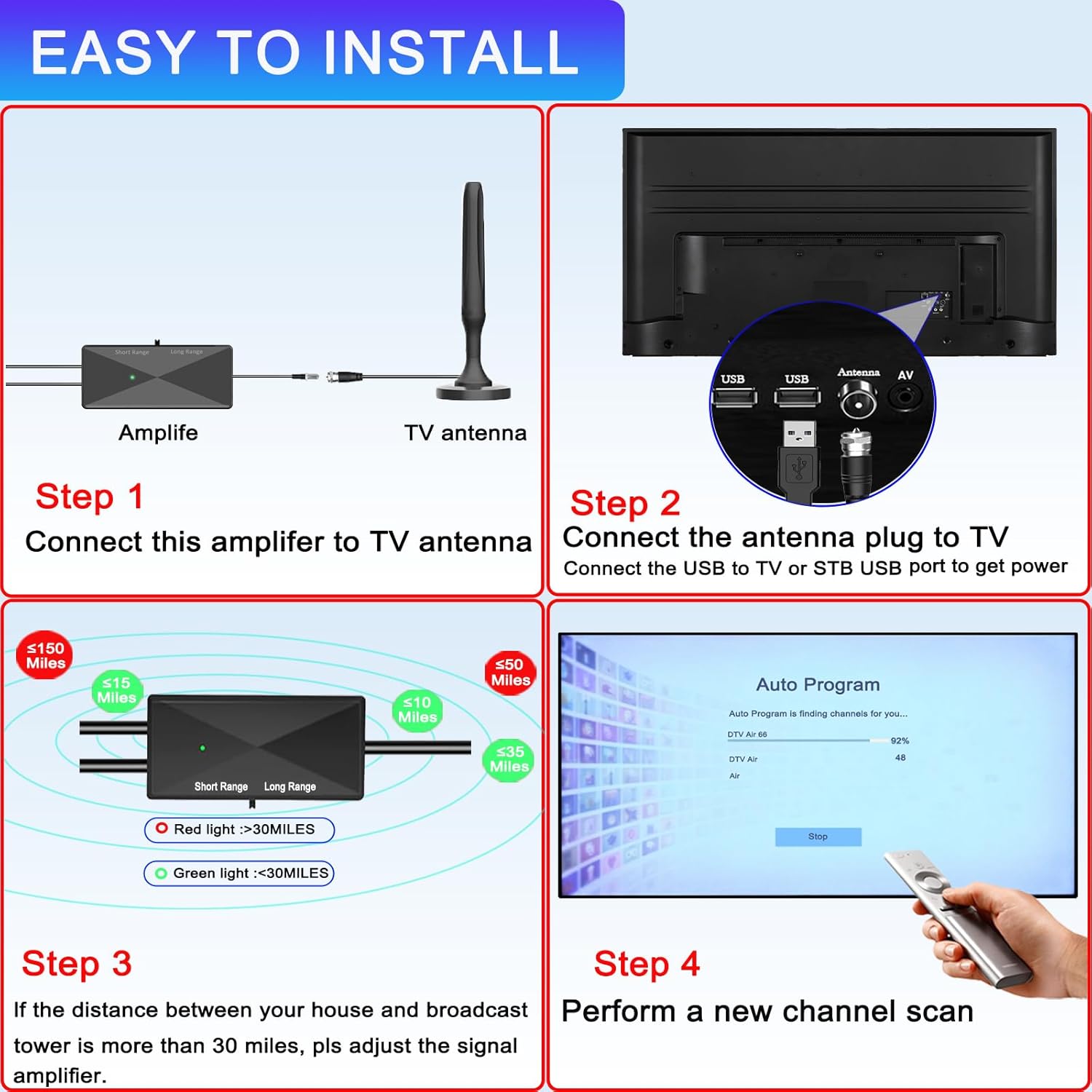
Boosters work best when installed close to the antenna itself. This ensures the signal is amplified before it travels down the cable, minimizing the loss along the way.The picture above shows the installation process of a digital antenna amplifier from Qiyuntong.
When and How to Use a Digital TV Aerial Booster
Many homeowners ask: Do I need a booster for my TV aerial? The answer depends on your setup.
You might need a booster if:
-
You live more than 20–30 miles from a TV broadcast tower
-
You’re splitting the antenna feed to multiple TVs
-
Your cable run exceeds 50 feet
-
You see signal dropouts during storms or high winds
-
You receive UHF but struggle with VHF stations (due to weaker signals)
How to properly use a digital TV aerial booster:
1.Install close to the antenna. The goal is to amplify the signal at its source.
2.Avoid over-amplifying. Too much gain can overload tuners and degrade quality.
3.Shield from interference. Keep the booster away from Wi-Fi routers and LED lighting.
4.Don’t fall for DIY myths. Aluminum foil tricks or random signal “hacks” rarely deliver consistent results.
A well-placed booster can be the difference between fuzzy channels and a crystal-clear HD picture.

Reliable Signal Solutions from SHEN ZHEN QIYUNTONG ELECTRONIC TECHNOLOGY CO., LTD.
As a global manufacturer of advanced TV reception products, SHEN ZHEN QIYUNTONG ELECTRONIC TECHNOLOGY CO., LTD. delivers trusted solutions to improve your digital viewing experience.
Our Featured Products:
-
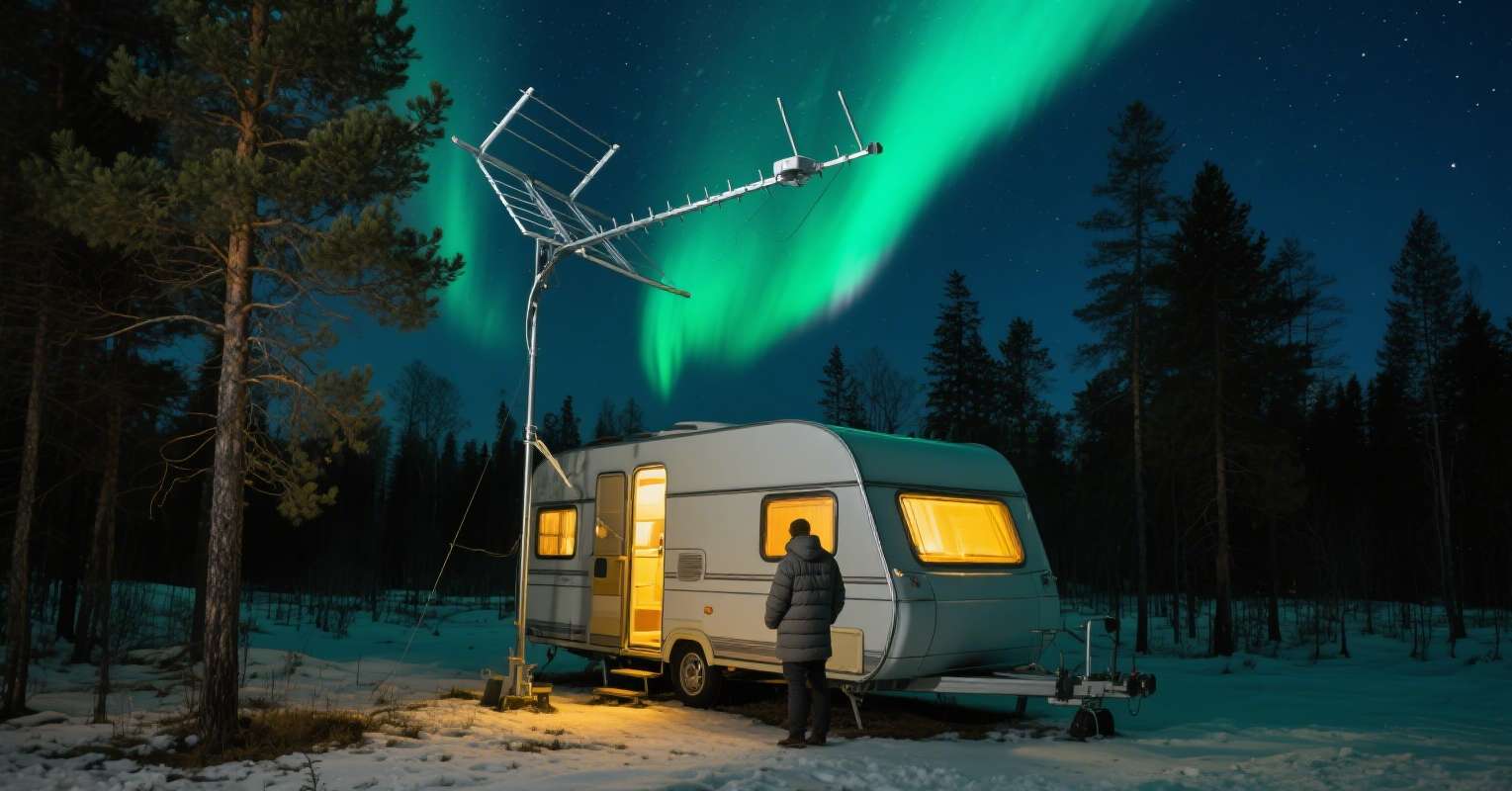
Outdoor High-Gain Digital TV Antennas with Built-in Amplifiers
Designed for 150+ mile ranges, perfect for rural installations. -
Indoor Smart Signal Boosters
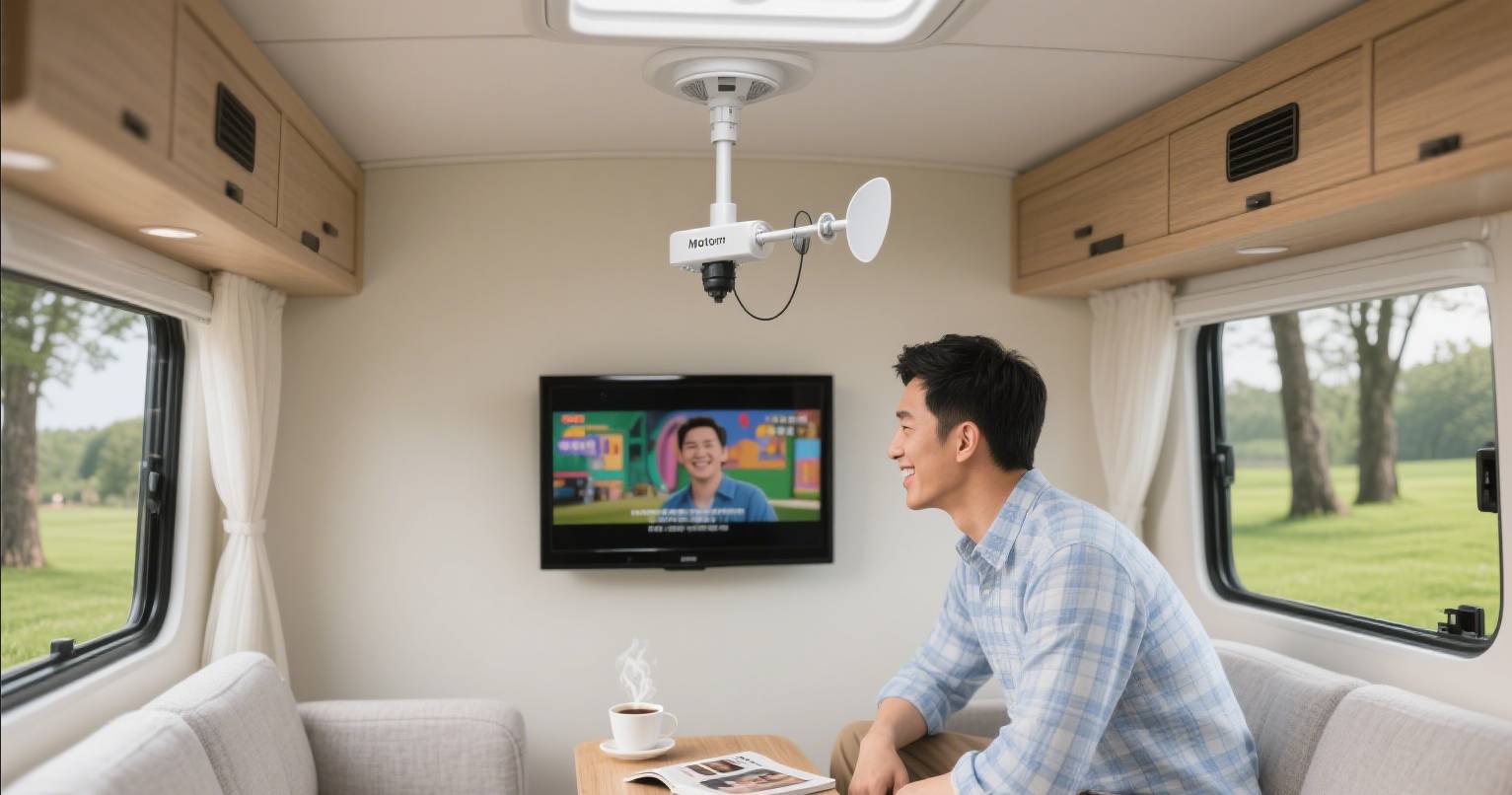
Compact design with automatic gain control (AGC), ideal for apartments and RVs. -
Antenna Booster Kits for Multi-TV Households
Maintain strong signal across 2–4 TVs with noise-free distribution.
Why Choose QIYUNTONG:
-
Over 20 years of engineering experience
-
Exported to over 60 countries
-
Support for OEM/ODM integration
-
CE, RoHS, and FCC certified
Our solutions are built for clarity, consistency, and longevity—even in challenging environments.
Best Practices and Common Mistakes When Boosting TV Signal
Even with the best digital TV aerial booster, performance issues can persist if installed incorrectly. Here are best practices to maximize your results:
Do:
-
Use high-quality RG6 coaxial cables
-
Place the antenna as high as possible, facing the broadcast towers
-
Rescan channels after booster installation
-
Use weatherproof enclosures for outdoor gear
Avoid:
-
Daisy-chaining multiple boosters (can cause overload)
-
Installing near high-voltage electronics
-
Using very old or corroded connectors
Always start with a signal scan before and after installation to measure real-world performance gains.
FAQ: Everything You Need to Know
Q1: Can a digital TV aerial booster fix all channel issues?
A: Only if the antenna is already receiving a signal. If you're in a no-signal zone, no booster can help.
Q2: Can I use a booster with a Smart TV or Fire Stick?
A: Yes. Boosters enhance the antenna signal regardless of the display device type.
Q3: How do I know if I need a booster?
A: If your channels drop out at night, during storms, or when adding more TVs, a booster likely helps.
Q4: Are more expensive boosters better?
A: Not necessarily. The key is matching gain to your situation and avoiding unnecessary amplification.
Final Thoughts:
A digital TV aerial booster isn’t a magic fix—but in the right setup, it can make a noticeable difference. Combine it with a quality antenna and sound installation practices, and your free-to-air TV experience will be vastly improved.
Looking for a trusted solution? Visit www.szqiyuntong.com to explore our full lineup of amplifiers and digital antennas.
Why Digital Antennas Are the Best TV Antennas Outdoors in 2025
The Ultimate Guide to Long Distance TV Antennas for Digital TV in Remote Areas
Related Article