Best HDMI-Compatible Digital Antennas for Cord-Cutters in 2025
Introduction: The Rise of HDMI-Compatible Digital Antennas
As more viewers worldwide cut the cord and abandon expensive cable subscriptions, digital antennas have made a powerful comeback. They offer access to high-definition, over-the-air (OTA) channels—completely free of monthly fees. One common question among new users is whether it’s possible to use a digital antenna with HDMI, especially as modern televisions rely heavily on HDMI input ports.
The truth is a little more nuanced. This article will walk you through how HDMI fits into the digital antenna setup, whether HDMI-compatible antennas truly exist, and what features to look for in your next purchase. We’ll also showcase industry-proven solutions from SHEN ZHEN QIYUNTONG ELECTRONIC TECHNOLOGY CO., LTD., a trusted global manufacturer of TV reception products.
Let’s start by addressing the most common misconception: can you plug an antenna directly into an HDMI port?

Can You Connect a TV Antenna Through HDMI?
The short answer is: no, not directly. Traditional digital TV antennas receive signals through coaxial cables, which are then decoded by a tuner—either built into your TV or as a separate box. HDMI, on the other hand, is a video/audio output interface and doesn’t accept raw RF signals.
To use a digital antenna with HDMI, you need an external device—usually a digital TV tuner or receiver—that takes the antenna’s input and converts it to HDMI output for your TV. These tuner boxes may also include features like DVR recording or EPG (Electronic Program Guide). What many marketers advertise as an “HDMI antenna” is actually a bundle that includes both the antenna and a tuner with HDMI output.
For more technical insight, the FCC offers a helpful guide here: FCC Guide to DTV Reception
Summary: While HDMI antennas don’t technically exist as standalone devices, you can absolutely set up a digital antenna system that outputs through HDMI using the right components.
What to Look for in a Digital Antenna with HDMI-Compatible Setup
When selecting the right equipment, focus on three key components:
1.A high-performance digital antenna
2.A separate HDTV tuner box with HDMI output
3.A signal amplifier (optional)
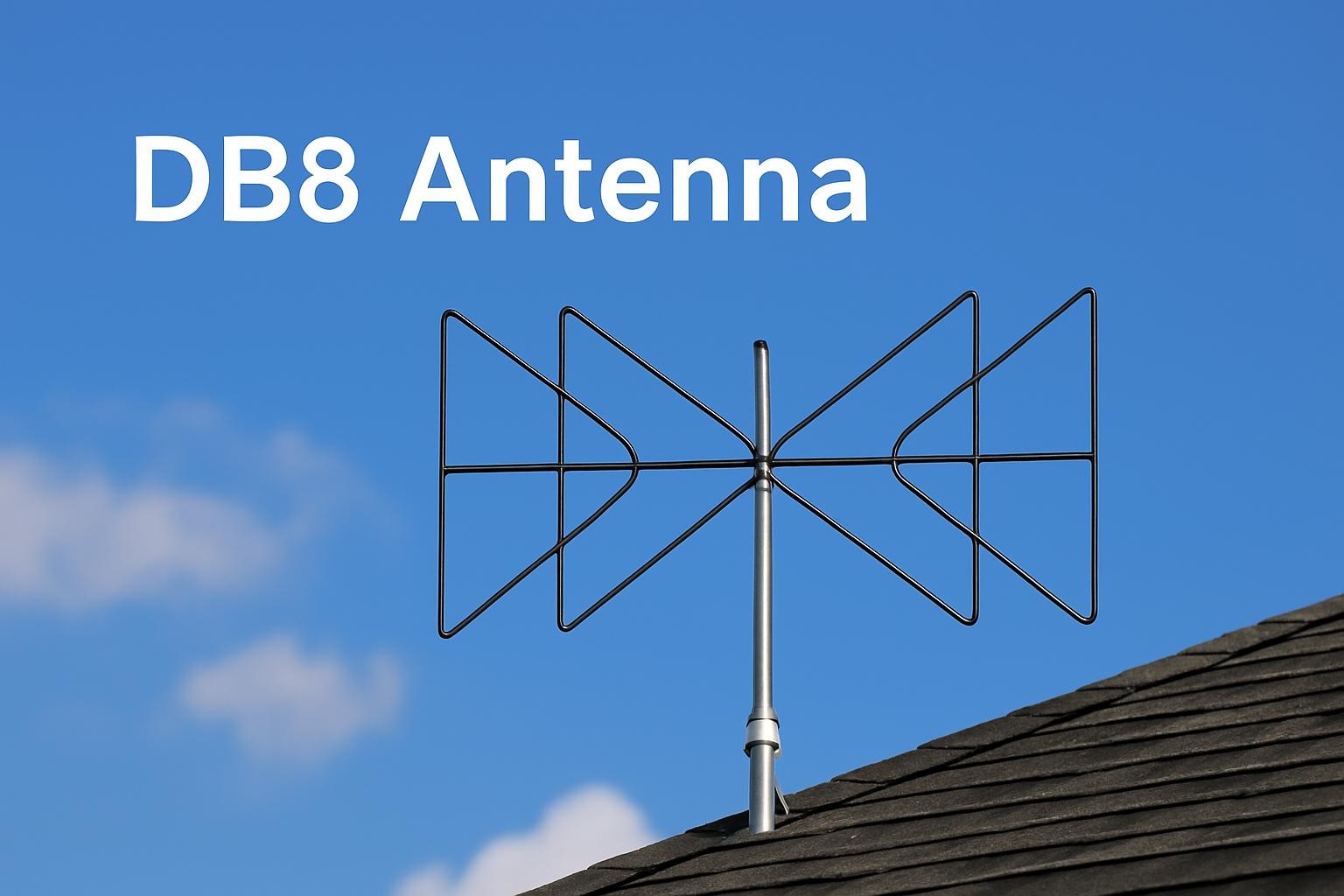
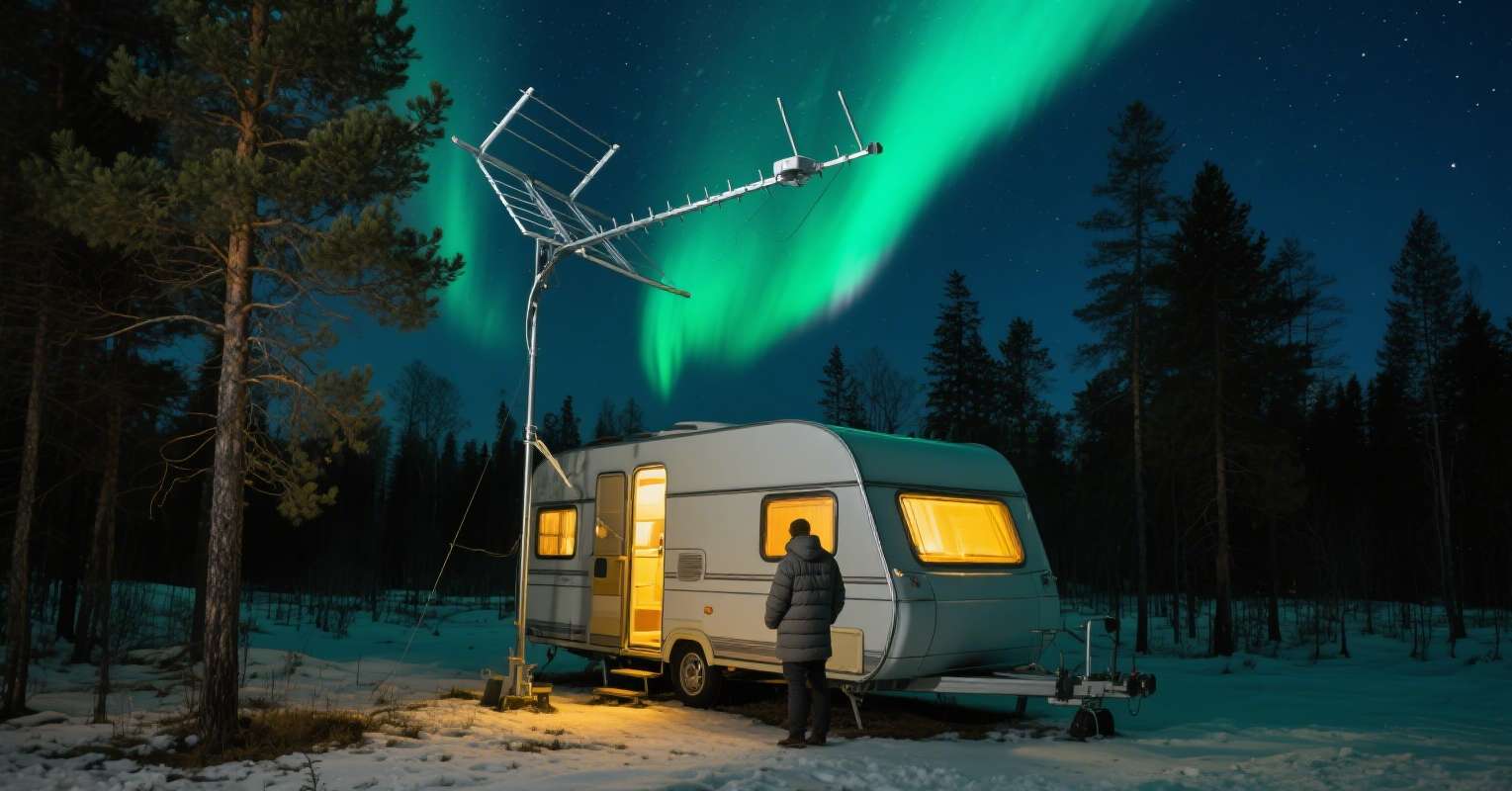
Depending on your region and needs, you may choose a rooftop antenna for maximum range, or a compact indoor antenna for urban settings. The key is to match your antenna's capabilities (UHF/VHF support, gain level, weather resistance) to your geography. Pair it with a reliable digital tuner box—these are often available separately or as part of a kit.
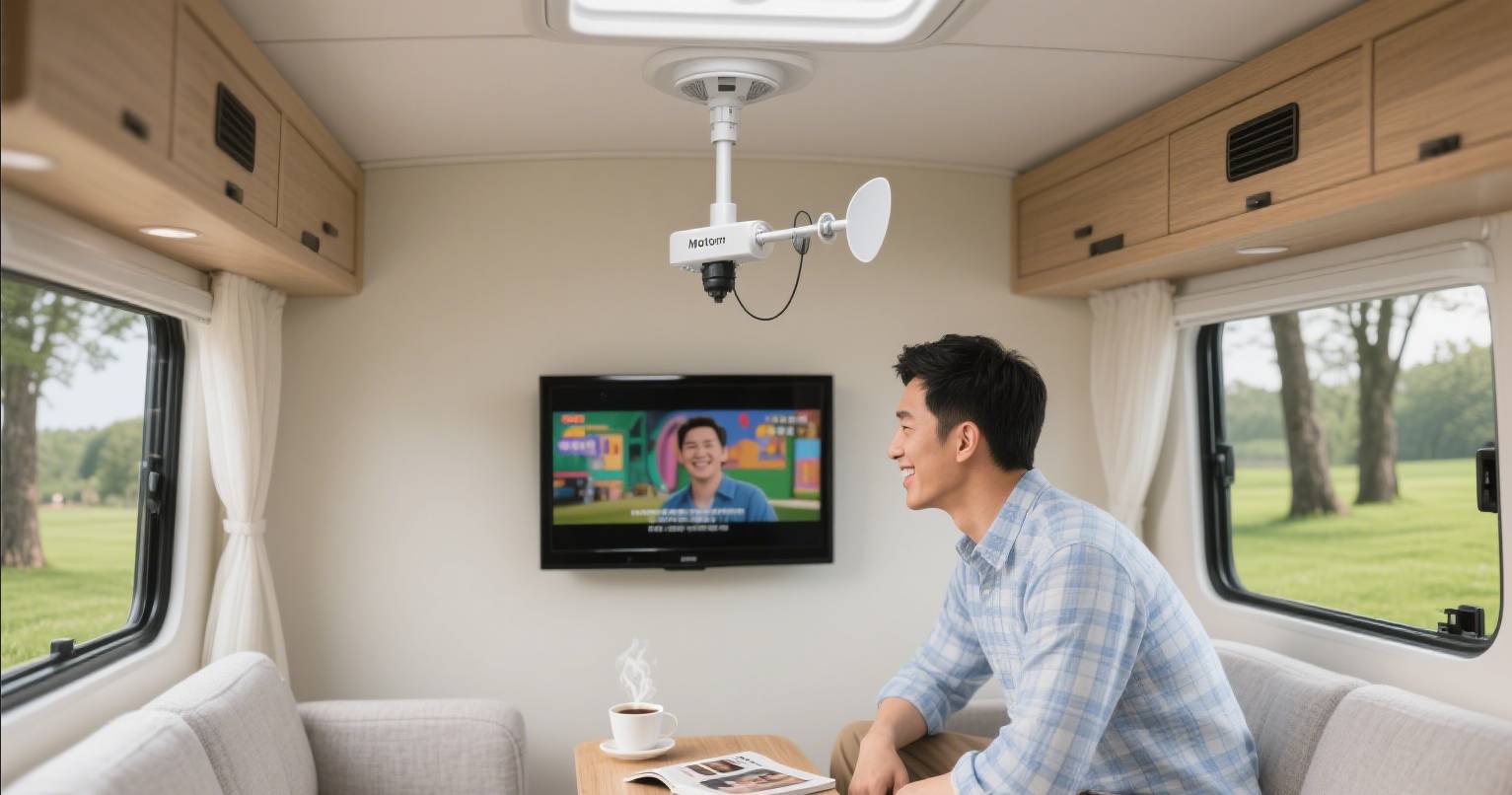
Some systems, especially those marketed for RVs or remote areas, include integrated tuners in the antenna base itself. While convenient, these are often less powerful than standalone setups.
Before buying, use tools like AntennaWeb to determine what channels are available in your area and what kind of signal strength you need.

Our Recommendation – SHEN ZHEN QIYUNTONG ELECTRONIC TECHNOLOGY CO., LTD.
With more than two decades of expertise, SHEN ZHEN QIYUNTONG ELECTRONIC TECHNOLOGY CO., LTD. leads the global market in designing and manufacturing digital TV reception solutions.
Why Choose Us:
-
True Compatibility: Our outdoor and indoor antennas are optimized for use with modern tuner boxes, ensuring clean HDMI output when properly configured.
-
Long-Range Reception: Our UHF/VHF directional antennas are engineered for up to 150-mile range, with signal amplifiers for enhanced performance in weak areas.
-
Durable, Weather-Resistant Designs: Ideal for rooftops, RVs, and attic setups, our antennas are built with waterproof materials, anti-corrosion finishes, and high-gain elements.
-
OEM/ODM Capability: Whether you're sourcing for a retail brand or private label, we provide custom manufacturing and branding support.
-
Export Coverage: We proudly serve markets in Europe, the U.S., Japan, and Southeast Asia.
Contact us today for product catalogs, distribution inquiries, or customized solutions tailored to your regional TV standards.

Setting Up a Seamless HDMI TV Antenna System
To build a reliable and HDMI-compatible antenna setup, follow these simple steps:
1.Determine Your Signal Zone
Use tools like AntennaWeb or FCC DTV Maps to understand your local signal landscape and select a compatible antenna.
2.Install the Antenna in the Optimal Location
Rooftops are best, followed by high-up indoor locations (e.g., attic). Avoid placing the antenna near metal objects or insulated walls.
3.Connect the Antenna to a Digital Tuner Box
Plug the coaxial cable from your antenna into the tuner box's input port. This box should have HDMI output.
4.Connect Tuner to TV via HDMI
Run an HDMI cable from the tuner box to your TV. Make sure the TV is set to the correct input source (e.g., HDMI 1).
5.Scan for Channels
Run a channel scan from the tuner’s settings. Some boxes offer auto-tuning or signal strength indicators to help adjust placement.
6.Enhance Signal If Needed
Use an amplifier or signal booster if you're located far from transmission towers or if the signal fluctuates.
With this setup, you’ll enjoy free HD broadcasts—including news, sports, and local stations—without relying on streaming subscriptions or cable services.
Conclusion
A digital antenna with HDMI offers a simple, reliable, and cost-effective solution for cord-cutters worldwide. While antennas don’t connect directly to HDMI ports, pairing them with a tuner box bridges the gap between free OTA signals and modern televisions.
By choosing durable, high-performance products—like those from SHEN ZHEN QIYUNTONG ELECTRONIC TECHNOLOGY CO., LTD.—you can create a setup that delivers consistent, high-quality reception no matter your location.
For a better signal experience, start by checking available channels in your area at:
FCC DTV Reception Maps
AntennaWeb.org
Boost Your Signal-Best Outside TV Antennas for Digital Broadcasts
What to Look for in the Best Digital Antenna for TV Outdoor Performance
Related Article